


April 1 comes and goes, leaving behind the usual pranks and false alerts of April Fools' Day.
But scammers ignore the calendar.
Spring marks a surge in cyberattack activity, not due to negligence but because the busy pace makes it easier for threats to slip past vigilance unnoticed.
Below are three active scams targeting alert, well-meaning employees just focused on their tasks.
As you read, ask yourself: Does my team consistently pause to spot these threats?
Scam #1: Fake Toll or Parking Fee Text Alerts
An employee receives a text message:
"You owe $6.99 in unpaid tolls. Pay within 12 hours to avoid penalties."
The message cites real tolling services like E-ZPass, SunPass, or FasTrak according to the region. The small charge seems harmless, so, between meetings, the employee clicks and pays without a second thought.
However, the payment link is fraudulent.
In 2024, the FBI logged over 60,000 complaints about these fake toll texts, with reports rising 900% in 2025. Researchers have uncovered more than 60,000 counterfeit websites mimicking official toll services, highlighting the high profits scammers reap. These texts even target states without toll roads.
The scam succeeds because the modest amount feels low risk, and many have recently used toll roads or parking, making the message believable.
The key defense: Authentic toll agencies never demand immediate payments through text links. Employees should always navigate directly to official apps or sites to verify charges and never respond to suspicious texts, even with "STOP," since replies confirm active numbers inviting further scams.
Convenience is the lure. Proper protocol is your shield.
Scam #2: "Your File Is Ready" Phishing Emails
This scam seamlessly mimics everyday work communication.
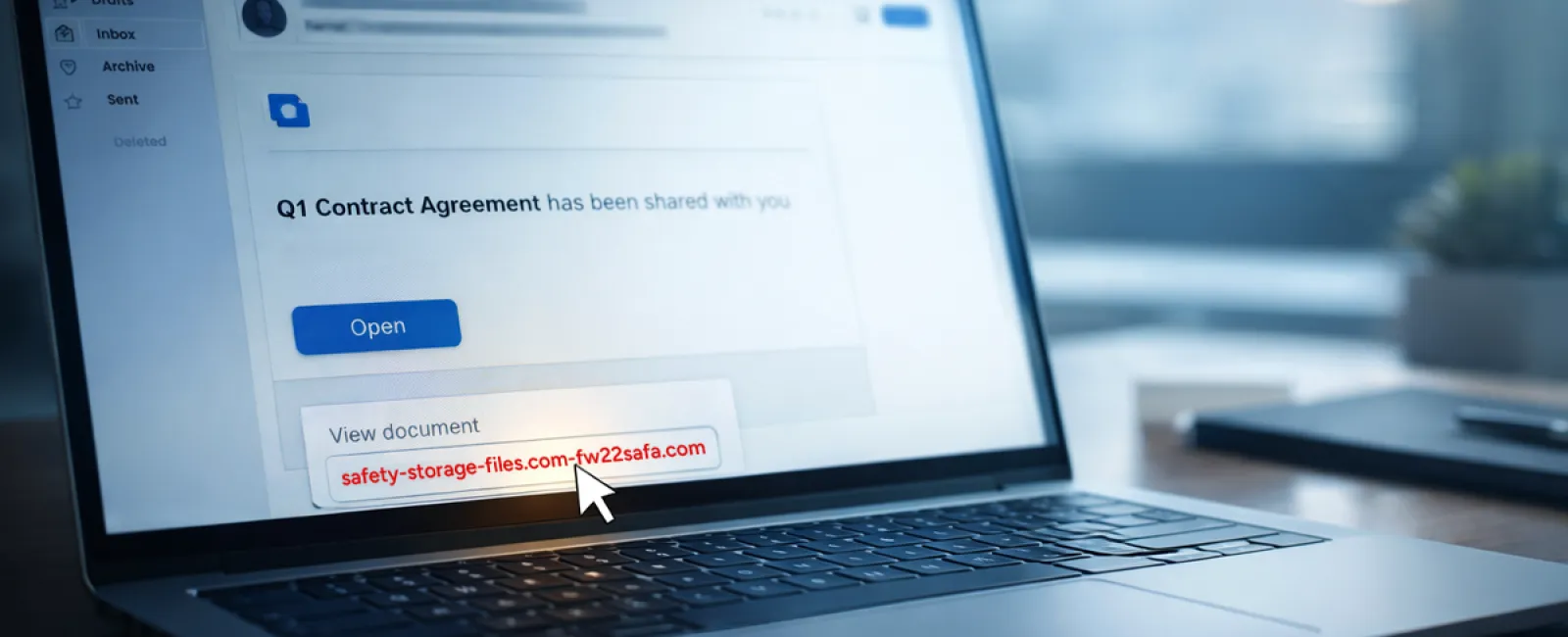
An employee receives an email indicating a shared document—often a contract via DocuSign, spreadsheet in OneDrive, or file in Google Drive.
The sender appears legitimate, and the email formatting matches usual notifications.
Trusting it, the employee clicks the link, enters their login credentials when prompted, unknowingly handing over access to the company's cloud systems.
Phishing leveraging trusted platforms has surged by 67% in 2025, with Google Slides phishing links alone jumping over 200% in recent months, according to KnowBe4's Threat Labs.
Employees are seven times likelier to engage with malicious links from OneDrive or SharePoint due to the familiarity of these notifications compared to random emails.
Advanced scams create files inside compromised accounts and share them through legitimate sharing tools, sending authentic-looking notifications directly from Google or Microsoft servers—making spam filters ineffective.
How to protect: Train employees never to click links in unexpected file-sharing emails. Instead, log into the platform separately via a browser to check for genuine files. Adjust permissions to restrict external sharing and activate alerts for unusual logins—settings your IT team can implement quickly.
Simple routines produce powerful safeguards.
Scam #3: Sophisticated, Well-Written Phishing Emails
Gone are the days when phishing emails were riddled with errors and obvious flaws.
A 2025 study revealed AI-crafted phishing emails achieve a 54% click rate, over four times higher than the 12% of human-written scams. These messages name real companies, job titles, and workflows, harvested quickly from LinkedIn and corporate sites.
Targeting is precise: HR and payroll receive fake employee verification requests; finance teams get fraudulent vendor payment changes. Recent tests show 72% engagement with vendor impersonation emails, nearly double other phishing types. Messages appear professional, calm, and urgent—like any typical workday email.
Protective steps: Verify any requests about credentials, payments, or sensitive info through a second channel—phone call, chat message, or in-person confirmation. Hover over email addresses to confirm domains before clicking. Treat urgency in emails as a potential red flag.
True security never forces panic-driven clicks.
Bottom Line
All these scams exploit familiarity, authority, time pressure, and the assumption of quick completion.
The real vulnerability isn't careless employees, but systems that rely on perfect judgment in stressful moments.
One rushed click shouldn't ruin your day; if it can, that signals a broken process, not a people problem.
And the good news? Processes can be fixed.
How We Support You
Most business leaders don't want to turn cybersecurity into another task or be the sole trainer on what not to click.
They simply want confidence their business is protected from stealthy risks.
If you worry about your team's exposure—or know someone who should—we're ready to talk.
Book a straightforward discovery call to discuss:
- Current risks impacting businesses like yours
- Common ways threats infiltrate daily operations
- Practical actions to reduce risk without slowing productivity
No pressure, no fear tactics—just an open conversation to address concerns and explore solutions.
Click here or give us a call at 419-678-2083 to schedule your free 10-Minute Discovery Call.
If this doesn't apply to you, please share with someone who could benefit. Sometimes awareness turns near misses into blocked attempts.


