


Imagine you're midway through a five-hour drive to visit family for the holidays. Your daughter asks, "Can I use your laptop to play Roblox?" But it's your work laptop—the one storing sensitive client files and financial information crucial to your business. You're worn out from packing, there are still hours ahead, and keeping her entertained seems like the easiest choice. But is it really safe?
Holiday travel often exposes you to unique security risks that aren't part of your everyday routine. Fatigue, distractions, unfamiliar WiFi networks, and blending family time with quick work check-ins create vulnerabilities. Whether your trip is for business, leisure, or both, here's how to safeguard your data while keeping the holiday spirit alive.
Pre-Trip: Quick 15-Minute Security Check
Spend just 15 minutes before you leave to fortify your devices and set expectations:
Device Essentials:
- Install all pending security updates promptly
- Back up vital documents securely to the cloud
- Enable automatic screen lock (within two minutes)
- Activate "Find My Device" on all phones and laptops
- Fully charge your portable power bank
- Bring your own charging cables and adapters
Discussing Device Use with Family:
- Clarify which devices your kids can use and which are off-limits
- Provide a dedicated family tablet or secondary device for entertainment
- Create a separate, limited user account on your laptop if kids must use it
Pro tip: If your children need screen time during travel, bring a tablet that's completely separate from your work accounts. Investing in an affordable device can save you from a costly data breach.
Mastering Hotel WiFi Security
Upon arrival, everyone jumps onto the hotel WiFi—phones, tablets, laptops, and gaming gadgets. Your teenager streams Netflix, your partner checks email, and you review crucial documents.
But hotel networks are public and shared by many guests. Some may have malicious intent.
True story: A family connected to what appeared to be their hotel's WiFi, but it was a fraudulent hotspot set up nearby. Over two days, all their online activity—passwords, credit card details, emails—was intercepted.
Stay Protected by:
Confirming the exact network name—always ask the front desk. Never guess.
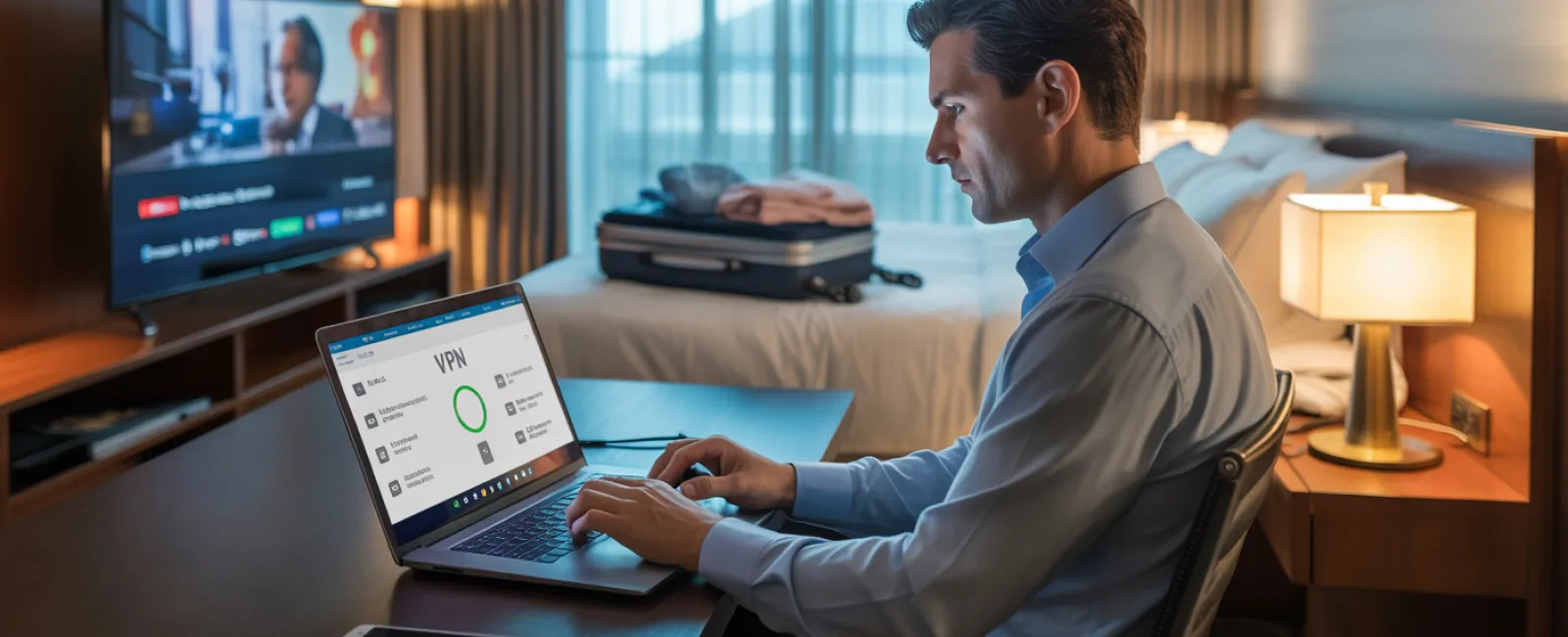
Using a VPN for work-related connections—it encrypts your data and safeguards communications.
Opting for your phone's hotspot for sensitive transactions—banking, client information, confidential work.
Separating leisure and work network usage—kids can stream via hotel WiFi, but use your mobile hotspot for work tasks.
The Challenge of Sharing Your Laptop
Your work laptop holds email, financials, client data, and critical business systems. Meanwhile, kids want YouTube, games, or chats.
Why it's risky: Kids may unintentionally download harmful files, click on pop-ups, share credentials, or leave accounts logged in. Though innocent, these actions can compromise your device security.
How to manage this:
Politely decline sharing your work device—offer an alternative device instead and keep this rule firm.
If sharing is unavoidable:
- Set up a separate, restricted user account
- Monitor their activities
- Prevent downloads
- Avoid saving passwords on the device
- Clear browsing history after use
Best practice: Carry a dedicated device for family use during travel, even an older tablet or laptop without work account access.
Streaming on Hotel TVs: Remember to Log Out
Watching Netflix on a hotel smart TV can be convenient, but leaving your account logged in can expose you to risks when other guests use the TV after checkout.
The fallout: Next users can access your Netflix, and if you reuse passwords elsewhere (hopefully not), your other accounts could be compromised.
Protect Yourself:
- Use your own device and cast content to the TV for safer viewing
- Set a reminder to log out from the TV before checking out
- Better yet: Pre-download favorite shows and bypass the TV entirely
Avoid logging into hotel TVs for:
- Banking applications
- Work platforms
- Email accounts
- Social media
- Any service with saved payment info
Handling Lost Devices During Travel
Travel chaos can cause devices to go missing—left behind at restaurants, hotel rooms, rental cars, or airports. If your device disappears...
The first hour is critical:
- Use "Find My Device" to track it down
- If unrecoverable quickly, remotely lock your device
- Change essential account passwords from a secure device
- Notify your IT department or managed service provider to revoke access
- If sensitive data was stored, inform affected contacts
Ensure devices have before travel:
- Remote tracking activated
- Strong password protection
- Automatic encryption of stored data
- Remote wipe capability
If a family member loses a device, apply the same steps promptly to reduce risks.
Beware of Rental Car Bluetooth Data Risks
Connecting your phone to a rental car's Bluetooth for music or GPS may save contacts, call history, and message previews. When you return the vehicle, this personal data often remains accessible to the next driver.
Quick fixes before handing back the car:
- Remove your phone from the car's Bluetooth settings
- Clear recent GPS destinations
- Use an auxiliary cable or avoid connecting to Bluetooth altogether
Maintaining Boundaries on "Working Vacations"
You promised family time, yet you've checked emails obsessively, taken multiple quick calls, and spent hours on your laptop while others play.
This constant flip between work and leisure reduces your vigilance and makes security lapses more likely—you might click unsafe links or use unsecured networks out of habit.
To manage this effectively:
- Schedule specific times to check work emails—no more than twice daily
- Use your mobile hotspot, not hotel WiFi, for work-related tasks
- Work in privacy—preferably your hotel room over public spaces
- Be truly present during family time; avoid multitasking
The best security advice: Take a genuine break. Your business will survive a few days offline, and you'll return sharper and more aware of threats.
Adopting a Smart Holiday Travel Security Mindset
Balancing work and family travel isn't always clear-cut. Sometimes your child needs your laptop, or an urgent email requires your attention mid-journey.
The objective is not perfection but intentional risk management:
- Prepare your devices meticulously before leaving
- Know which actions are high-risk (using hotel WiFi for banking) versus low-risk (checking emails on your mobile hotspot)
- Establish clear separations between work data and family device use when possible
- Have contingency plans ready if security incidents occur
- Learn when to firmly say, "Not on this device," and stick to it
Make This Holiday About Cherished Moments, Not Security Breaches
The holidays should focus on creating lasting memories with loved ones—not scrambling to mitigate a cybersecurity incident or explaining data loss to clients.
A little foresight and a few straightforward rules can keep your business safe without sacrificing family fun. Everyone gets to enjoy the holiday, and your business stays protected. It's a win-win.
Need guidance on crafting effective travel security policies for your team and yourself? Click here or call us at 419-678-2083 to schedule a free 10-Minute Discovery Call. We'll help you develop practical, travel-friendly security strategies to safeguard your business seamlessly.
After all, the best holiday memory should never be "Remember when Dad's laptop got hacked?"


